If you've ever wished you could get the key points from a YouTube video without actually watching it, right there on the same page, we have exactly what you need.
The ekstrakt Chrome extension brings AI-powered video summarization directly into YouTube. No new tabs, no copy-pasting URLs. Open a video, read the summary, move on.
How It Works
Once installed, ekstrakt adds a compact panel to every YouTube watch page. It sits quietly alongside the video player and becomes active the moment you land on a video.
From there, pick a summary type and start reading. It's that fast.
Four Summary Types for Every Situation
The extension supports all four summary formats from ekstrakt:
- Short: a tight paragraph with the core takeaway. Perfect for deciding whether a video is worth your time.
- Detailed: a structured breakdown covering all major topics. Great for study notes or meeting prep.
- Straight-to-Answer: cuts straight to the point, skipping the intro and filler. Ideal when you already know what the video is about.
- Ask a Question: type a specific question and get a targeted answer drawn from the video. The fastest way to get one piece of information from a long video.
Summaries stream in real time, so you can start reading while the AI is still generating, with no waiting for the full response before you see anything.
Read the Full Transcript, With Timestamps
Every video also comes with the complete transcript. Click any timestamp and the YouTube player jumps to that exact moment. It's a fundamentally faster way to skim a long video: scan the transcript, click the part that matters, watch only that.
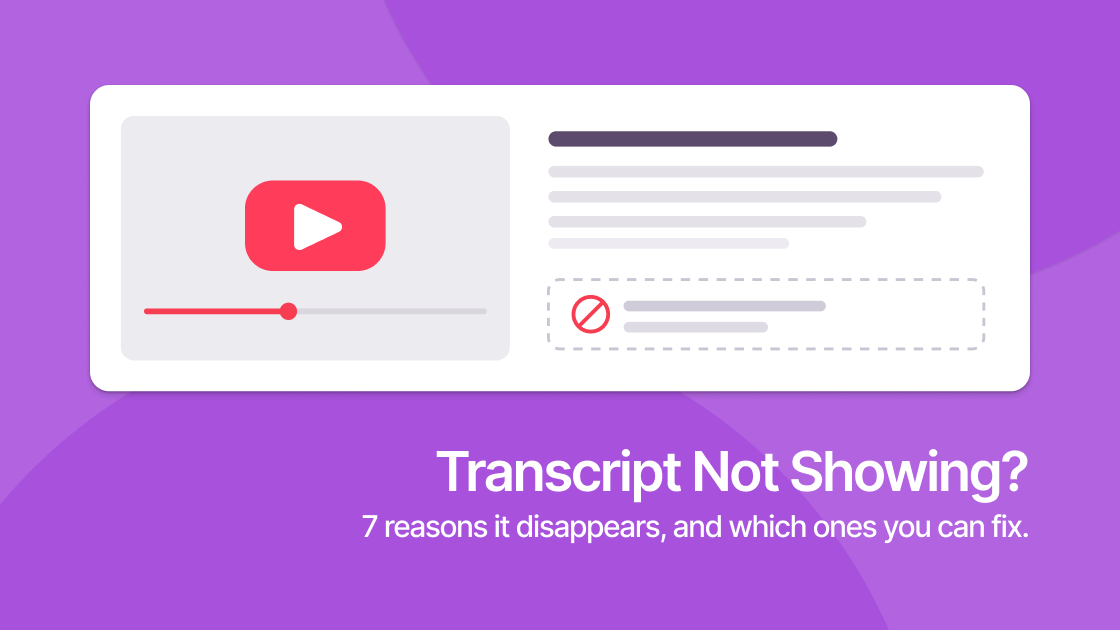
You can copy or download both summaries and transcripts, handy for notes, research, or sharing with teammates. This also covers the case where YouTube's own transcript button is missing: the extension reads the caption track directly, so the panel still has something to work with.
It Fits Right Into YouTube
The panel adapts to YouTube's own dark and light themes automatically, so it never looks out of place. It collapses when you don't need it and remembers your preferred summary type across videos.
If you've already summarized a video, the result loads instantly from cache, with no re-processing needed.
Getting Started
- Install from the Chrome Web Store
- Open any YouTube video
- Sign in with Google or Apple (or use email)
- Pick a summary type and read
You get 5 free summaries to start, no credit card required. Anonymous users can also view extra free summaries on popular videos before signing in.
Who It's For
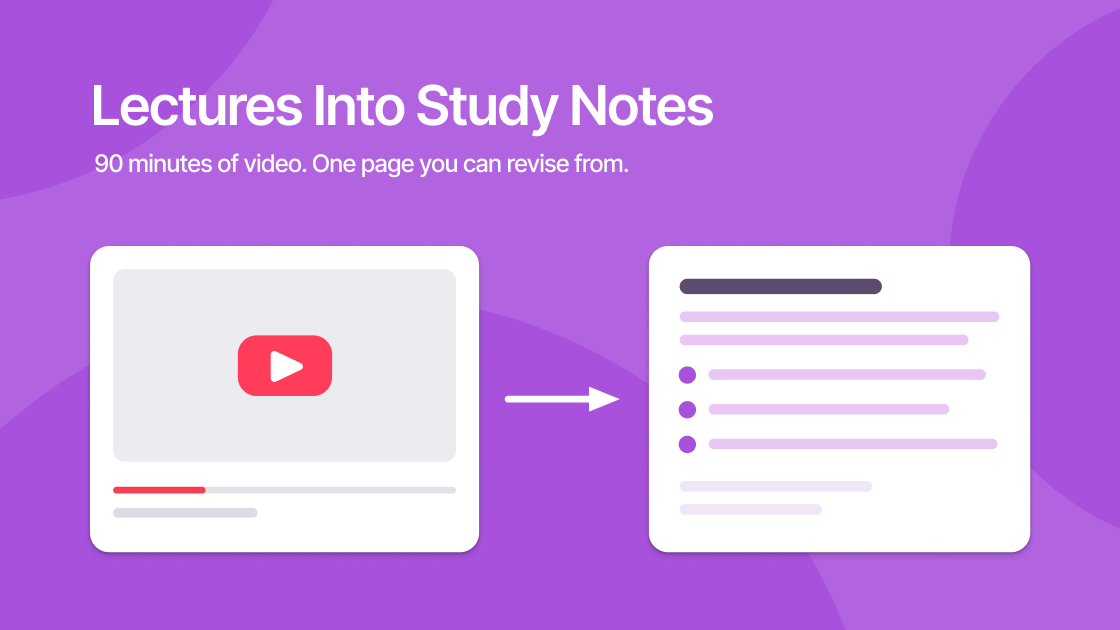
Students. Turn hour-long lectures into structured notes in seconds. Review course material faster without re-watching entire videos, using the lecture-to-notes workflow. MIT's How to Speak is a worked example at 63 minutes.
Professionals. Stay on top of webinars, conference talks, and industry content without blocking your calendar. Read the summary, watch only the parts that matter, as with Sam Altman on startups.
Researchers. Use "Ask a Question" to extract specific information from multiple videos quickly. Compare perspectives across sources without watching everything end to end. It pays off most on long interviews, such as this two-hour discussion of vitamin D research.
Curious people. Sometimes you just want the gist. Now you can have it, for any video, instantly.
Available Now
The ekstrakt Chrome extension is live in the Chrome Web Store and free to install.
Prefer to use ekstrakt on the web? Visit ekstrakt.app. The full web experience is available there with the same summary types and transcript viewer.