You paste a YouTube link into ChatGPT, ask for a summary, and get one. Detailed, well-structured, confident.
The problem is that it is sometimes describing a video it never read.
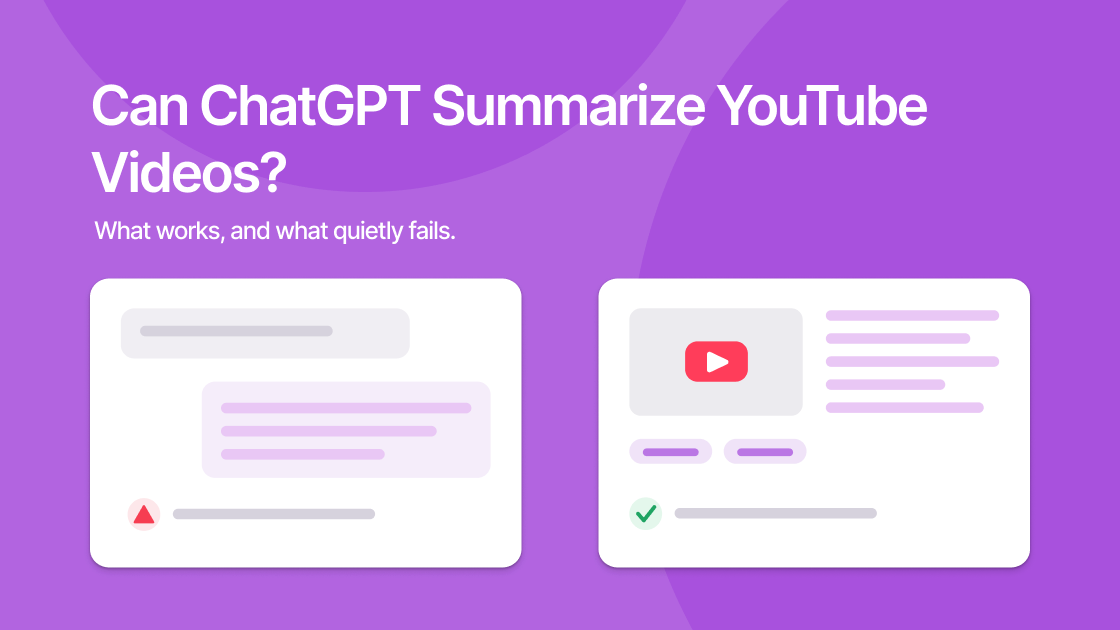
Can ChatGPT summarize YouTube videos? Yes, but only under conditions most people never check, and the failure mode is the worst kind: silent and plausible.
The Short Answer
ChatGPT summarizes text. It has no ability to watch video or listen to audio in a YouTube link. So a summary is only real if the actual transcript reached the model.
If browsing is off, or the page it fetched had no usable text, ChatGPT will still answer. It will infer from the title, the channel, and everything it learned during training about that topic. The result is a genuine-looking summary of a video that may not resemble the one you linked.
The Three Ways People Try This
Paste the URL (unreliable)
The obvious approach, and the one that fails quietly.
With browsing enabled, ChatGPT may fetch the page and find a caption track. It may also fetch a page that is mostly JavaScript scaffolding, recommended-video titles, and comments, and summarize that.
How to catch it: ask a question that cannot be inferred from the title. "What example did the speaker give at around the 40-minute mark?" A model working from a real transcript answers specifically. A model that never read it produces something reasonable-sounding and generic, or hedges.
Do this once before trusting any URL-based summary. It takes fifteen seconds.
Paste the transcript (reliable, tedious)
Open the video description, click Show transcript, copy the text, paste it in.
This works properly. The model now has the actual content, and no retrieval step can fail. It is the right method when you want something beyond a summary: a comparison against another source, a rewrite into slides, a critique of the argument.
The costs are real, though:
- The transcript arrives with no punctuation, no paragraphs, and no speaker labels
- Long videos exceed what fits comfortably in one message
- It fails entirely when the transcript button is missing
Use a plugin or extension (varies)
Browser extensions extract the transcript and feed it to ChatGPT automatically. This solves the retrieval problem, which is the main one. Quality then depends on how the extension chunks long videos, the part that is genuinely hard.
The Length Problem
This is where the paste-the-transcript method runs out.
| Video length | Approx. transcript | Practical in one message? |
|---|---|---|
| 10 min | ~1,500 words | Comfortably |
| 30 min | ~4,500 words | Yes |
| 1 hour | ~9,000 words | At the edge |
| 2 hours | ~18,000 words | No, must be split |
| 3 hour podcast | ~27,000 words | No |
Modern models have large context windows, so a long transcript may technically fit. But attention degrades across a very long input: the middle of a 27,000-word transcript gets systematically less weight than the beginning and end. You get a summary that is thorough about the first twenty minutes, thorough about the last twenty, and vague about everything between.
Splitting the transcript and summarizing each chunk works, but now you are doing the chunking, the sequencing, and the final synthesis by hand. That is the work a dedicated tool exists to absorb. A 157-minute Huberman Lab episode sits squarely in the range where doing it by hand stops being worth it.
An Honest Comparison
| ChatGPT | Dedicated summarizer | |
|---|---|---|
| Transcript retrieval | Manual or unreliable | Automatic |
| Long videos (2h+) | Manual chunking | Handled |
| Output flexibility | Anything you can describe | Fixed formats |
| Follow-up reasoning | Excellent | Limited to the video |
| Multi-source comparison | Yes | No |
| Cost for occasional use | Free tier | Free tier |
| Verifiable against source | No | Yes, with timestamps |
Neither column wins outright. They are answers to different questions.
Use ChatGPT when the video is short, you already have the transcript, and you want something other than a plain summary: an argument critique, a translation, a comparison against a paper you are reading.
Use a dedicated tool when the video is long, you do this regularly, or you need to check the summary against what was actually said.
That last row is the one people underrate. ekstrakt shows the timestamped transcript beside the summary, so when a claim matters you click the timestamp and hear it yourself. Verification against the source is the difference between a summary you can cite and one you can only hope is right. Any page in the video summary library shows the pairing, for instance The Science of Thinking, where every claim in the summary can be traced back to the moment it was said.
When Neither Option Works
Both approaches share a hard limit: they only read words.
Nothing shown but not spoken exists to either of them. Whiteboard diagrams, on-screen code, silent equations, and hands-on product demonstrations are all invisible. For a coding tutorial or a hands-on review, a transcript summary captures the narration and misses the substance. This PC build video is a clean illustration: the summary is accurate and still not a substitute for watching.
Both also fail on videos with no captions at all, since there is no transcript for either to work from.
The Practical Recommendation
For a one-off short video you are already discussing in a chat: paste the transcript into ChatGPT. Do not paste the URL and trust the result without the spot-check above.
For long videos, or anything you do more than occasionally: use a tool built for it, and keep the transcript visible so you can verify. The full workflow is in how to summarize YouTube videos.
Try it on a video you have already summarized with ChatGPT at ekstrakt.app. Comparing the two outputs on a video you know well is the fastest way to see which failure modes are real.